Facebook Profile Viewer

View public Facebook profile details using a username or URL. AnonyWatch never asks for passwords, unlocks private content, bypasses privacy settings, or reveals hidden visitors.

Facebook Profile Viewer

Public pages only · no Facebook login

Only public profiles and information that is available to the public.

View a Facebook Profile Online

A Facebook Profile Viewer lets you view the information a Facebook profile makes publicly available without going through unnecessary pages or giving your Facebook login details to anyone.

Type in your public username or profile link. AnonyWatch will look for the public profile information it supports and display it in a more attractive format.

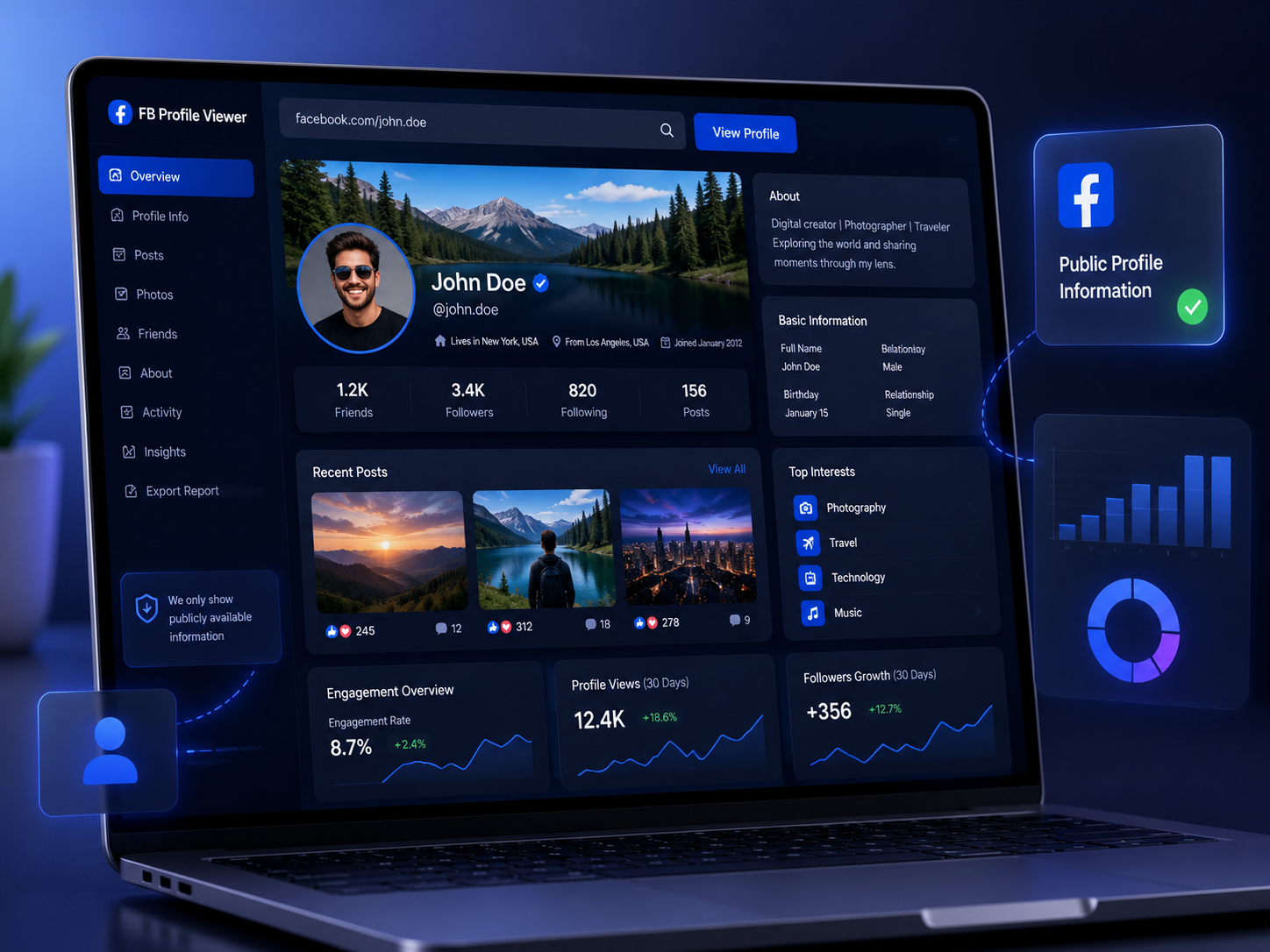
Available information depends on the profile and what Facebook chooses to make public, and it may include the profile name, username, current profile picture, cover photo, and other details available to viewers.

A profile can look different in each case. Facebook users decide who can see much of the content they share, and Facebook may also restrict content from people who aren’t signed in.

A Facebook profile viewer should not state that they have revealed any information that is private, Friends-only, restricted, not available, or otherwise not publicly accessible.

What Can Someone Viewing a Facebook Profile Reveal?

A Facebook profile isn’t a document that is completely open to the public, since different sections can have different audiences. That is why anyone who views a Facebook profile online can use only the information that is actually on the profile and that the service supports.

Public name & username

Depending on availability, the public profile name and username may be shown.

Current profile picture

The current public profile picture when Facebook makes it available to viewers.

Current cover photo

The current public cover photo, when it is publicly accessible.

Public profile details

Other publicly available profile details that the account chooses to show.

Supported public info

Other supported information that the profile makes public and the tool can display.

No guessed gaps

AnonyWatch does not fill gaps with guessed information when a result is missing.

A missing result doesn’t mean the profile is fake, deleted, or private. The username could be wrong, Facebook might limit access for people who aren’t logged in, the profile could have changed its settings, or the requested information may simply not be available to the person viewing it.

How to Use the Facebook Profile Viewer

No complicated setup is needed.

Enter Facebook profile
Step 1

Go to the Facebook profile

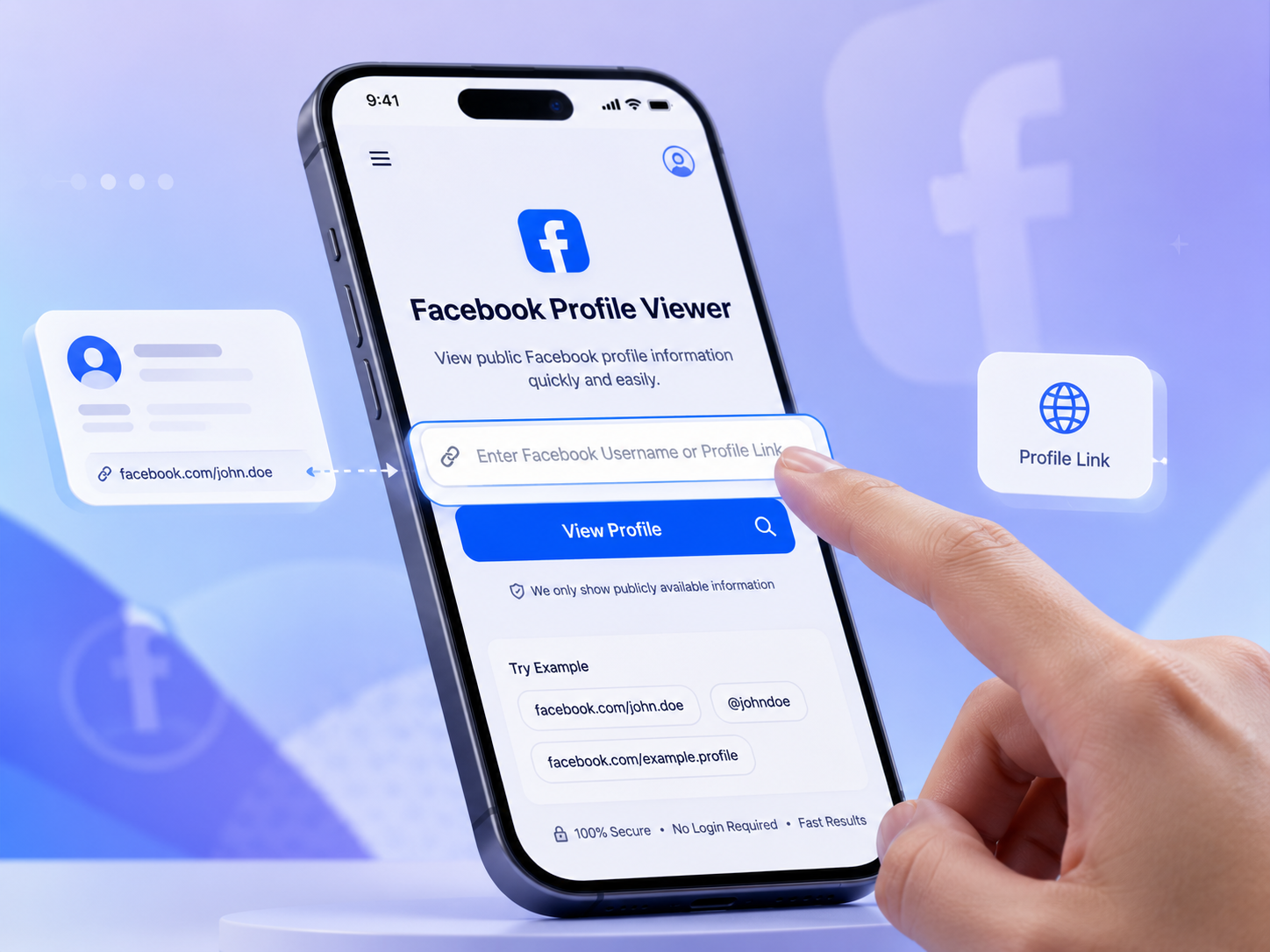
In the search field, paste a public Facebook profile URL or type a supported username.

Step 2

Look at the public profile

Choose View Profile. AnonyWatch looks for publicly available profile information supported by the tool.

View public profile
See available details
Step 3

See the available details

Check the public profile information that has been returned in your browser. That’s all — no Facebook password, extension, or account linking required.

Can You View a Facebook Profile Without an Account?

At times, but there are limits.

Some information on Facebook may be available to people who are not on Facebook, but how much you can see without an account varies by profile, audience settings, the type of information, and what Facebook currently makes accessible.

AnonyWatch aims to make it easier to check information about publicly known people without having to share your Facebook password. It does not replace a Facebook account, and it can’t convert restricted information into public information.

The restriction the profile owner has put in place on a post, photo, friends list, story, or other information remains.

What Does “Anonymous” Really Mean?

The word anonymous is often overused on websites that let people view Facebook. This is a useful distinction.

Using AnonyWatch won’t give you a secret Facebook identity or enable invisible browsing on Facebook; it’s a tool that lets you view supported public information without logging in to your Facebook account.

Facebook does not provide a standard list of everyone who viewed your profile. This differs from visible interactions — for example, if you like a post, leave a comment, follow an account, send a friend request, message someone, or use another Facebook feature which identifies the participants, your activity will be visible.

So, if you’re looking for an anonymous tool that lets you view a Facebook profile, don’t confuse anonymous profile checking with the ability to perform Facebook actions anonymously.

Can Someone Viewing a Profile See Private or Locked Profiles?

A viewer that is honest about public limits should not make such a promise.

Facebook’s privacy and audience settings let people decide who sees certain information. A reasonable feature should not say that typing in a username will suddenly show Friends-only posts, restricted photographs, hidden details, or other private content.

AnonyWatch is based on publicly available information and does not circumvent privacy settings.

Be especially careful with tools claiming they can:

  • Unlock any private or locked Facebook profile
  • Reveal hidden photos or Friends-only posts
  • Show a secret list of people who viewed your profile
  • Bypass Facebook privacy controls
  • Reveal private information after you enter your password
  • Unlock results after completing suspicious surveys or downloads

A profile viewer and a “who viewed my Facebook profile” tool are two different things.

Can You Tell Who Has Viewed Your Facebook Profile?

No genuine third-party Facebook profile viewer can provide a secret list of everyone who has visited your profile.

Facebook does not offer regular users a feature that shows them everyone who just opened their profile. Third-party tools shouldn’t claim to do that either.

What AnonyWatch’s Facebook Profile Viewer does is allow you to view the supported information from a public profile; it is not a tool that can be used to find out who has visited your own Facebook profile.

Be careful about any other service that claims to provide the names of people who visit your hidden profile — particularly if the service asks for your Facebook password, login code, browser cookies, the installation of an extension, or payment in order to unlock the list.

Facebook Profile Viewer vs. Facebook Profile Picture Viewer

Although these two searches are related, they are not identical.

Facebook Profile Viewer

Covers a wider range of features: it checks the information associated with a public Facebook profile — name, username, current public images, and other supported public details.

Choose this when you want a broader look at public profile information in one place.

Facebook Profile Picture Viewer

Focuses specifically on the profile image. If someone is looking for a Facebook profile photo viewer, they likely want to view the current public profile picture rather than more general profile information.

If you only need the image, use a dedicated profile picture viewer for a more focused experience.

Visibility still matters: Facebook currently treats a user’s current profile picture and cover photo as public, even if privacy settings for older photos and other profile information differ.

How to View Your Own Facebook Profile as Public

If you want to see what your Facebook profile looks like to the public, Facebook provides a built-in feature: View As.

This isn’t the same as using AnonyWatch to check another public profile.

The View As feature on Facebook enables you to see a preview of your own profile as it appears to the public. It is useful when you want to check which of your profile details, posts, photos, or other information might be visible to people who are not part of your intended audience.

For more information, see our article: How to View Your Facebook Profile as Public.

If an item is more visible than you expected, adjust the audience or privacy setting directly on Facebook rather than asking a third-party viewer to do it for you.

What’s the Advantage of Using AnonyWatch?

You don’t always need the complete Facebook experience. You might already have a profile link and only want to check the public information linked to it — for a creator, organization, business, or individual. AnonyWatch concentrates on that task.

Check a profile without sharing your Facebook password

You shouldn’t be asked for your Facebook password, two-factor authentication code, recovery code, or browser cookies when doing a public-profile lookup.

Focus on public information

AnonyWatch does not claim to bypass private profiles; if information isn’t publicly available, the viewer shouldn’t pretend it is.

Use it from your browser

The experience is designed around a simple web search, rather than unnecessary software or browser extensions.

Get a cleaner profile check

If relevant public profile details are available, the viewer includes them in the focused result rather than adding unrelated social-media features.

Common Reasons to View a Public Facebook Profile

There are many ordinary reasons why people check Facebook profiles.

Verify the right profile

Check that the link associated with the profile does in fact lead to the person or organization you expected.

Creator or brand presence

Investigate the public presence of a creator or a brand without extra friction.

Lookup without logging in elsewhere

View a public profile without logging into your Facebook account with another service.

Compare public identity

Compare publicly available information about an account or check the current public identity linked to a username.

No matter the reason, handle public information responsibly. Just because something is publicly visible doesn’t mean it’s free to use. Photos, names, posts, videos, logos, and other content may still be covered by copyright, privacy rights, platform rules, or other laws. You should not use a viewer to harass individuals, impersonate them, improperly collect information, or republish content without permission.

A Safer Way to Think About Facebook Viewer Tools

An effective Facebook viewer should be clear about both its capabilities and what it cannot do.

It can

  • Help you access or organize information that is already publicly available and supported

It cannot

  • Alter someone else’s privacy settings
  • Provide access to private posts
  • Expose a hidden database of everyone who visited a profile
  • Require your Facebook password to check public information

That boundary matters. Don’t consider it normal for a tool to request impossible access, ask for sensitive account details, or ask you to install unrecognized software before giving you a result.

Frequently Asked Questions

A Facebook Profile Viewer is a web tool that lets you view information in a publicly accessible Facebook profile. AnonyWatch focuses on publicly available information and does not try to access private or restricted content.

It may be possible to access some public Facebook information without having a Facebook account, but the extent varies. Facebook can restrict access for people who are not logged in, and the individual’s privacy settings determine what can be seen. AnonyWatch can only provide information that is public and accessible to the viewer.

You don’t need to give AnonyWatch your Facebook password in order to check the public profile information that is supported. However, “anonymous” does not mean you can bypass Facebook’s privacy settings or engage in visible Facebook interactions without being identified.

Facebook does not give profile owners a standard list of those who have simply visited their profile; this differs from actions such as liking, commenting, following, messaging, sending a friend request, or using features where activity or viewers may be displayed.

No. AnonyWatch doesn’t unlock private profiles or circumvent Facebook’s audience settings. It can only provide publicly available information.

No. Facebook does not offer third-party applications a legitimate way to reveal a secret list of people who have viewed your profile. Be careful of any service that claims it can show exactly who has been looking at your profile.

The public can often view a current Facebook profile picture. A dedicated Facebook Profile Picture Viewer is designed specifically to view the profile image, not general profile information.

A result might be unavailable for several reasons: the username or URL could be wrong, the profile may have changed, Facebook may restrict access, or the information itself may not be publicly available or supported. An unavailable result does not mean the account has been deleted or made private.

View a Public Facebook Profile

Do you already have the username or the profile link?

Type it in above to see the public information that is available via the AnonyWatch Facebook Profile Viewer. You can’t bypass a private profile, and there are no hidden lists that show profile views — just a more straightforward, supported method for checking public Facebook profile information.

Try Facebook Profile Viewer